Why HTML to PDF Conversion Is So Difficult: A Practical Breakdown
 Subham Jobanputra
Introduction
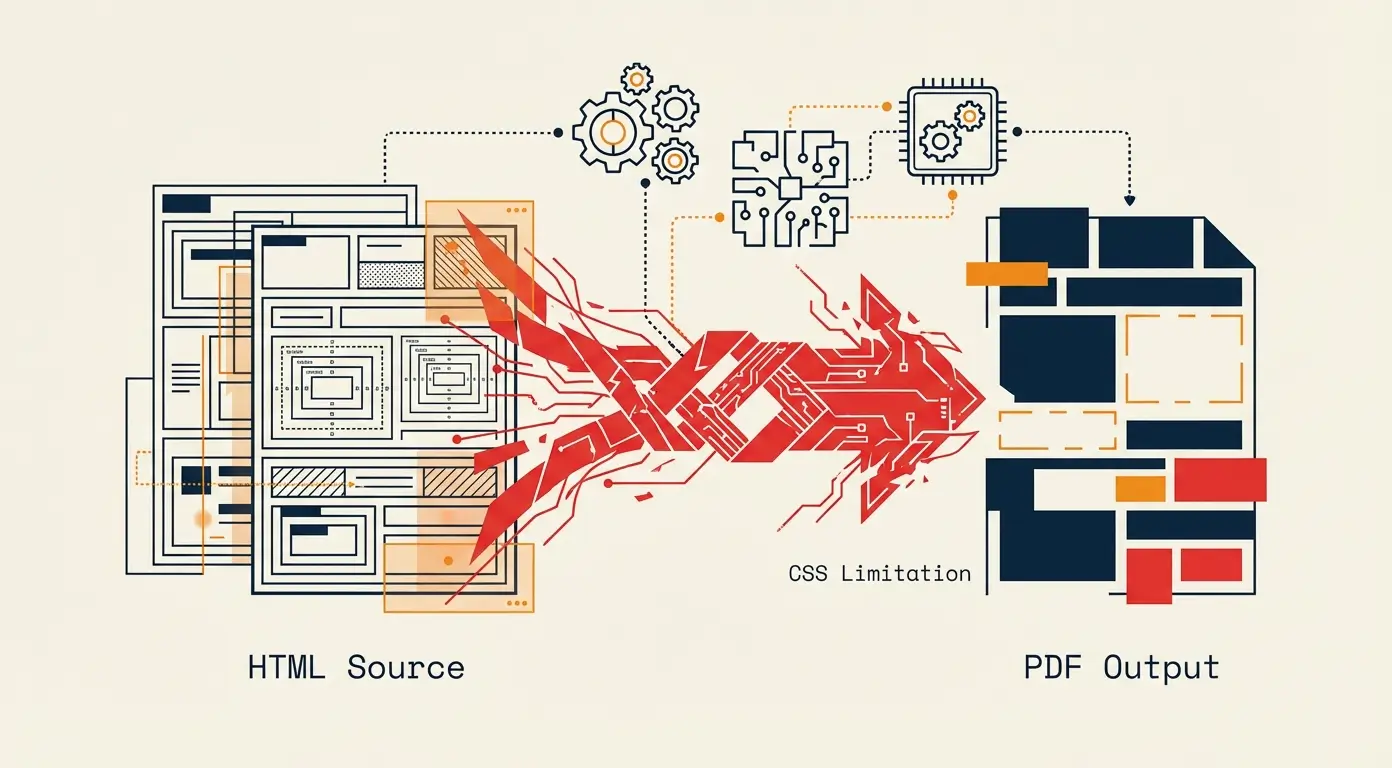
Generating PDFs from HTML seems like a trivial task. You have a template, some data, and a need for a printable document. Most developers reach for a headless browser or a simple converter, expecting it to just work. However, the reality is often a frustrating cycle of broken layouts, missing fonts, and memory leaks. This article explores why html to pdf hard, drawing from engineering decisions we made while building a reporting engine that had to process thousands of documents daily.
Background: The Illusion of Simplicity
In theory, HTML and PDF are both page description languages. One is for the web, the other for print. The common approach involves using a library like Puppeteer, Playwright, or a native wrapper like wkhtmltopdf. These tools instantiate a real browser, load the HTML, and execute a print command.
Initially, this approach works perfectly for simple one-page invoices or receipts. But as product requirements evolve—adding dynamic charts, user-generated content, or complex multi-page layouts—the system begins to show its limitations. The underlying assumption that the browser can perfectly map a responsive, screen-first design to a static, paginated medium is flawed.
Pain Points and Limitations
Our engineering team encountered several specific friction points during implementation:
- CSS Fragmentation: Print-specific CSS (@page, breaks-inside, orphans) behaves differently across rendering engines. Chrome (Blink) does not always align with Safari (WebKit) or Firefox (Gecko) when calculating page breaks.
- Font Loading: Custom web fonts often fail to load in the sandboxed environment of a headless browser, leading to fallback fonts that break strict layout requirements. Even when loaded, anti-aliasing can differ from the browser view.
- Performance Overhead: Spinning up a full browser instance for every request is resource-intensive. It consumes significant memory and CPU, making it difficult to scale horizontally without expensive hardware.
- Asynchronous Rendering: JavaScript-heavy pages (e.g., those using React or Vue to build charts) require the browser to finish rendering before capturing the PDF. This introduces race conditions and requires complex waits for network idle states.
Decision-Making Process
We evaluated two paths: sticking with a managed headless browser setup or moving to a native PDF generation engine. The decision matrix prioritized:
- Consistency: Every PDF must look exactly the same, regardless of the environment.
- Scalability: We needed to handle spikes in traffic without queuing requests for minutes.
- Latency: Users expect near-instant generation for documents.
We realized that the browser-based approach, while flexible, introduced variables we couldn't control (e.g., JavaScript execution timeouts, DOM complexity). We needed a solution that treated HTML as a strict input format rather than an interactive application.
New Approach: Decoupling Rendering from Logic
We pivoted to a strategy that separated content generation from layout rendering. Instead of generating the PDF in the same process as the application, we utilized a headless PDF service that accepts pre-rendered HTML.
The key shift was optimizing the HTML for print before it reached the PDF engine:
- Server-Side Rendering (SSR): We pre-rendered all dynamic content into static HTML on the server. This removed the need for the PDF engine to execute JavaScript, significantly reducing rendering time.
- Standardized CSS: We created a print-specific CSS framework that utilized strict grid layouts and avoided float-based positioning, which is notoriously unstable in print engines.
- Asset Optimization: Images were resized and compressed server-side to exact dimensions required by the print layout, preventing reflow issues.
We settled on a dedicated microservice wrapping a browser engine, but configured to run in "print preview" mode with JavaScript execution disabled after hydration. This struck a balance between the flexibility of HTML/CSS and the stability required for batch processing.
Comparison: Before vs. After
| Aspect | Before (Browser-Based) | After (Decoupled Rendering) |
|---|---|---|
| Memory Usage | High (~500MB per instance) | Moderate (~150MB per instance) |
| Generation Time | 2-5 seconds (variable) | 0.5-1 second (consistent) |
| Layout Consistency | Low (browser version dependent) | High (pixel-perfect output) |
Results and Outcomes
By treating PDF generation as a distinct pipeline rather than an extension of the web view, we reduced failure rates from 4% to under 0.1%. The system now scales horizontally with standard container orchestration. While we sacrificed the ability to execute arbitrary JavaScript during the render phase, the reliability gains were substantial. The "why html to pdf hard" question was answered by realizing that the web browser is a runtime, not a printer.
Lessons Learned
Three core lessons defined our experience:
- Don't fight the engine: Accept that screen and print media are different beasts. Write separate CSS.
- Limit dependencies: The fewer moving parts in the render chain (like external APIs called during generation), the more stable the output.
- Test with data: Test PDF generation with realistic data volumes. A 20-page document renders very differently from a 1-page document regarding memory and pagination logic.
Conclusion
HTML to PDF conversion is difficult because it attempts to bridge two incompatible philosophies: dynamic interaction and static archiving. The difficulty lies not in the conversion itself, but in managing the gap between the two. For developers facing this challenge, the solution lies in simplifying the input—stripping away interactivity and responsive design—and embracing the constraints of the page layout. By doing so, you transform a hard problem into a manageable engineering task.