Transforming Figma Designs into PDFs: A Practical Guide
 Subham Jobanputra
Introduction
As a developer, founder, or technical decision-maker, you understand the importance of seamless design-to-development workflows. One common challenge is converting Figma designs into PDFs efficiently and accurately. In this guide, we'll explore how to tackle this task effectively.
Background
Traditionally, converting Figma designs to PDFs required manual processes or third-party tools, often resulting in inefficiencies and inconsistencies in the final output. This approach was time-consuming and prone to errors, impacting overall project timelines.
Pain Points or Limitations
The manual approach to converting Figma designs to PDFs posed several challenges. Design elements could be distorted, text might not render properly, and maintaining consistency across multiple designs was tedious and error-prone. This inefficiency hindered collaboration and slowed down the development process.
Decision-Making Process
Recognizing the need for a more streamlined solution, our team embarked on a journey to find a more efficient way to generate PDFs from Figma designs. We evaluated various tools and approaches, considering factors such as workflow integration, accuracy, and scalability.
New Approach (Solution)
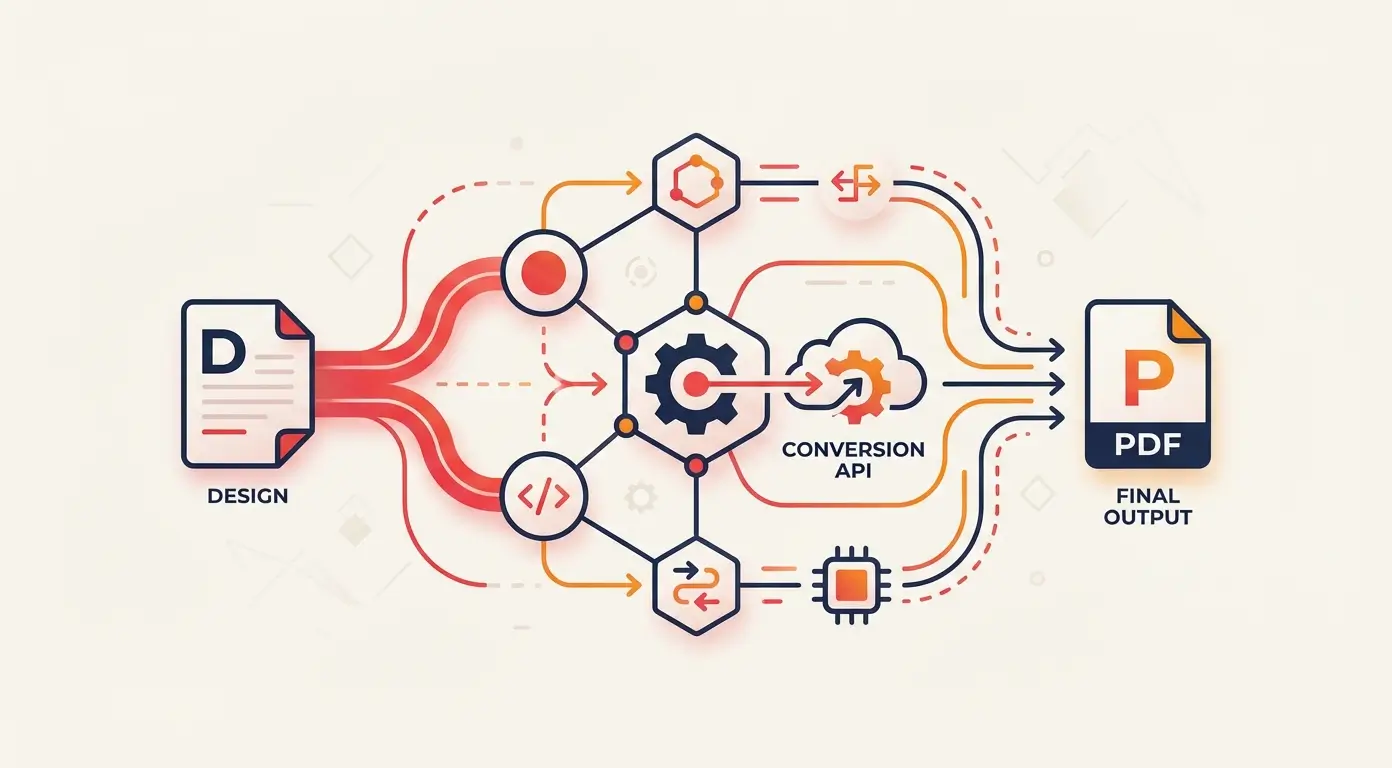
After thorough research and testing, we discovered a custom script that automates the conversion process from Figma to PDF seamlessly. This script extracts design elements accurately, preserves text formatting, and ensures consistency across all designs. By implementing this solution, we were able to eliminate manual errors and significantly reduce the time spent on this task.
Comparison
Before implementing the automated script, our team faced challenges with manual conversion, including inaccuracies, formatting issues, and delays. However, with the new automated approach, we experienced a drastic improvement in efficiency, accuracy, and overall quality of the PDF outputs.
Results / Outcomes
By adopting the automated script for converting Figma designs to PDFs, we were able to save valuable time, enhance collaboration between design and development teams, and improve the overall workflow efficiency. Our PDF outputs were consistent, error-free, and reflective of the original designs, leading to smoother project executions.
Lessons Learned
Throughout this process, we learned the importance of leveraging automation tools to streamline repetitive tasks in the design-to-development pipeline. By investing in innovative solutions, we can enhance productivity, mitigate errors, and optimize project timelines.
Conclusion
Converting Figma designs to PDFs doesn't have to be a tedious and error-prone process. By embracing automation and implementing a customized solution, you can transform this task into a seamless, efficient workflow that benefits your entire team. Take the first step towards optimizing your design processes today.